

0 items
in your cart
Check Out!

CAD-CUT® Fashion-LITE Heat Transfer Material

CAD-CUT<sup>®</sup> Fashion-LITE<sup>™</sup> Heat Transfer Material

Image Gallery

Easy to use with a very soft hand.

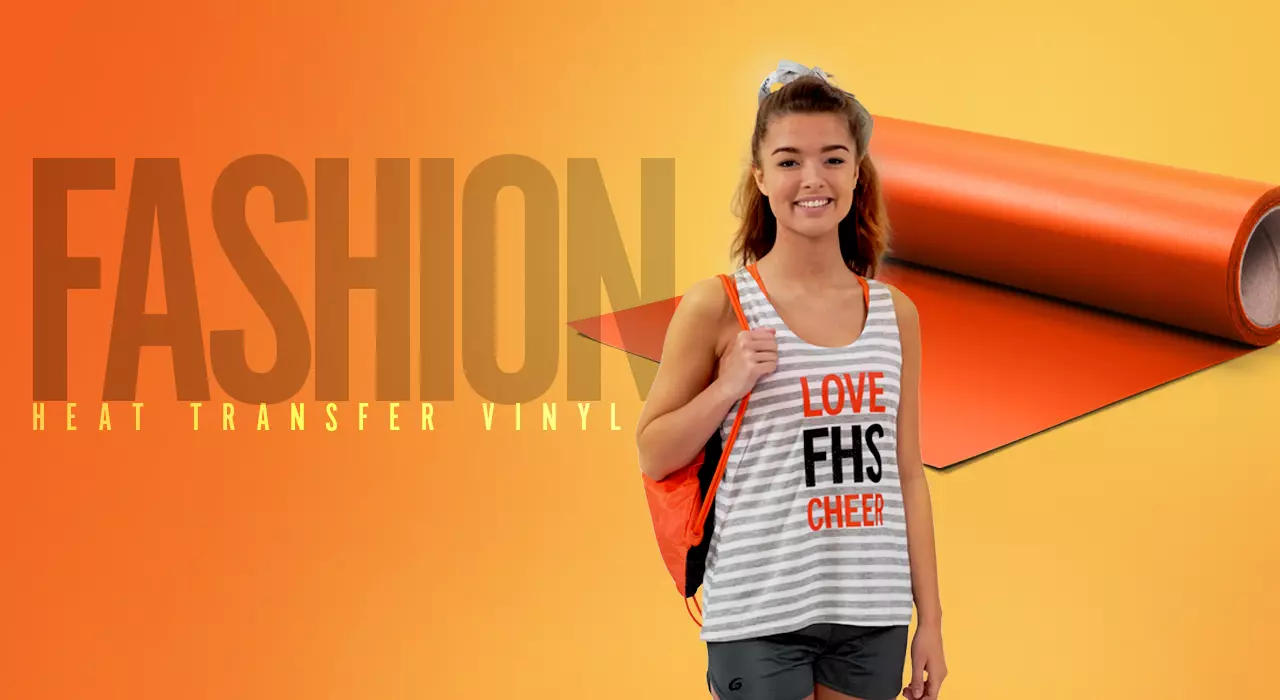
Fashion-LITE heat transfer material is easy to cut, weed, and apply. Thin and lightweight, it is perfect for creating intricate designs.

Recommended fabrics: cotton, polyester

ORDER NOW >
Please wait... Adding to Cart
Live Support ONLINE CHAT NOW!

Need Help?
Our live support is available for you, Mon-Fri 8AM-7PM EST
or call
800.521.5255

Fashion-LITE

Download PDF DOWNLOAD PDF
Application At A Glance
  • Time
    10-15 seconds
  • Temperature
    302°F/150°C
  • Pressure
    Light
  • Peel
    Hot

Care Instructions

Machine wash using mild detergent. Do not use bleach. Dry at a normal dryer setting on household machines. Do not dry clean.

Cutting Notes

For best results, perform a test cut prior to any production run. For optimal cutting and weeding, maintain a line thickness of at least 1/16” for lettering & logos.

Cutter Guidelines

Cutter Blade Force Offset Speed
Roland GX-24 45° / 60° 80g / 70g .25 / .50 50cm/s
Ioline 100 45° 90g .15 75%

Multi-Color Designs

Before the final application, align second color, heat apply, & peel carrier. Repeat for additional colors.

Fashion-LITE

The first lab-certified heat transfer material
in the industry.

Stahls’ is the first company in the imprinted sportswear industry to have a rigorous lab certification process. This ensures the highest quality materials to meet the needs of all of your real-world applications. Depending on the material, we run tests based on these parameters: safety, durability, and performance. The materials are rated on a scale from 1 to 5, 5 being the highest rating.

Lab Certified

COMPOSITION

This material is made of 95 micron Polyurethane (PU).

LAB CERTIFICATION RATINGS

  • Stretchability Rating 3.5
  • Washability Rating 20
  • CPSIA Safety Rating

STORAGE

Store in a cool, dry area. For best results, keep material away from direct sunlight, heat, and humidity.

Questions & Answers

Everyone has questions. Tell us yours.

Q:
How do I cut backgrounds on my vinyl cutter?
A:
Creating a background layer will involve using a contour tool within a graphic art program. In CorelDRAW®, for example, use the Interactive Contour Tool to create additional layers to the outside of the original object. Keep in mind, when cutting a background layer you will need to perform test cuts and adjust the cutting specifications the same way you would cut a foreground layer.
Q:
How can I prevent a garment from showing heat press indentation?
A:
For the best results, when applying to a certain area of your garment use Print Perfect pads. Print Perfect pads can be cut into the same shape or area of the logo/graphic being applied. This will prevent the rest of your garment from being heat applied.
Q:
How do I save my cart?
A:
You may recall saved items in a cart any time you are shopping. Once you are in your basket, select the "save cart" option. You can then name your saved cart and load it at any time.

Ask a question

Leave us a question and we'll post the answer shortly. If you need an immediate response, please use live chat.

1. Contact Information:

Name
Company
Email

2. Question Category:

3. Enter Question:

SUBMIT >RESET
Want to learn more?
Visit our Blog.
GO >

Review this product.

1. Contact Information:

Name
Company
Email

2. Rate this item:

3. Title for your review:

4. Write your review:

SUBMIT >RESET